What Is a Distribution Management System? Features, Benefits and How DMS Software Works
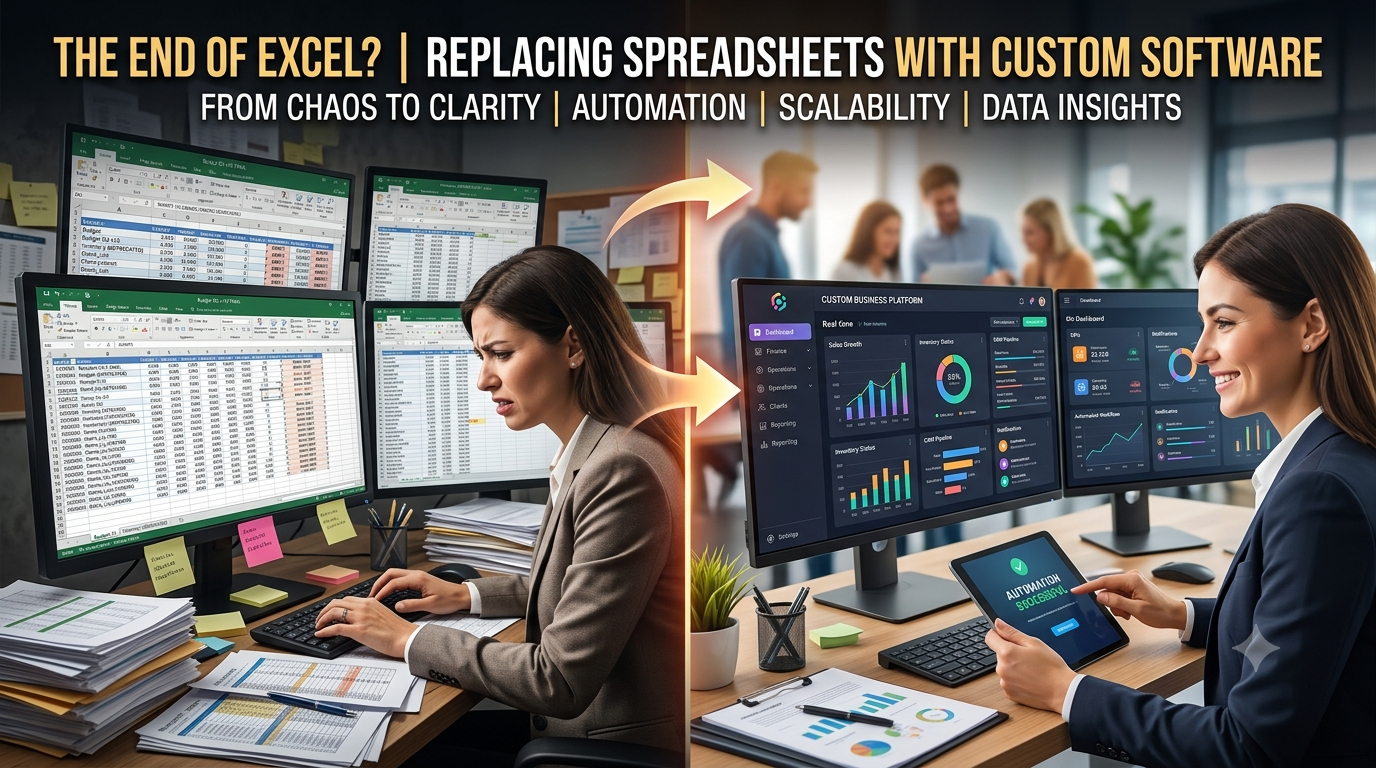
Managing a growing distribution business becomes difficult when sales, inventory, warehouses, customers, credit, field teams and accounts are handled through separate spreadsheets or disconnected software.
A sales executive may record an order in one place, warehouse staff may update stock somewhere else, while accounts maintain customer balances in another file.
This creates delays, duplicate data entry and limited visibility.
A distribution management system solves this problem by connecting these operations through one centralized platform.
For distributors, wholesalers and trading businesses, a modern distribution management system software can provide better control over stock, customers, warehouses, orders, credit and financial operations.
What Is a Distribution Management System?
A Distribution Management System, commonly called a DMS, is software used to manage the movement of products, sales information and financial data across a distribution network.
It can connect:
Head Office → Distributor → Sales Team → Customer → Warehouse → Delivery → Accounts
Instead of different departments maintaining separate records, the business works with centralized information.
For example, when a sales representative receives an order, the system can connect that order with the customer record, available stock, warehouse, credit limit, invoice and payment information.
The goal is to make distribution operations easier to monitor and manage.

How Does Distribution Management System Software Work?
A typical distribution workflow may look like this:
Customer Visit → Sales Order → Credit Check → Distributor → Warehouse → Goods Issue → Delivery → Invoice → Payment → Reporting
Each stage generates information that can be accessed by authorized teams.
For example:
A sales executive creates a customer order.
The system checks customer details and available credit.
Warehouse staff review stock availability.
Products are issued for delivery.
An invoice is generated.
Accounts record the payment.
Management can then review sales, inventory and outstanding balances through reports.
This is much more efficient than updating the same transaction manually across several spreadsheets.
Key Distribution Management System Features
A good distribution management system should reflect how the business actually operates.
Here are some of the most useful features.
1. Distributor Management
Businesses operating with multiple distributors need visibility over who manages which customers, territories and warehouses.
A DMS can maintain:
- Distributor records
- Assigned territories
- Assigned cities
- Warehouses
- Responsible employees
- Distributor activity
This helps head office maintain better control across the distribution network.
2. Inventory Management
Inventory is one of the most important parts of distribution.
A centralized system can track:
- Products
- SKUs
- Units
- Cartons and pieces
- Current stock
- Stock movements
- Adjustments
- Transfers
Management can see what stock is available instead of relying on manually updated warehouse spreadsheets.
3. Multi-Warehouse Management
Growing distributors often operate more than one warehouse.
An online distribution management system can provide visibility across multiple locations.
Teams can monitor stock by warehouse and record stock transfers between locations.
This becomes especially useful when orders need to be fulfilled from different branches or cities.
4. Sales Order Management
Sales orders can be created and tracked from order placement through fulfilment.
A centralized order record can include:
- Customer
- Products
- Quantity
- Pricing
- Sales representative
- Distributor
- Warehouse
- Order status
- Payment information
This creates a clearer connection between sales and warehouse operations.
5. Sales Team Management
Distribution businesses frequently depend on field sales teams.
The system can assign:
Sales Manager → Sales Executive → Territory → Customers
Management can then understand which representative is responsible for each account.
This makes customer ownership and sales accountability clearer.
6. Journey Plan Management
Field sales executives often visit multiple customers every day.
Journey planning allows managers to organize these visits according to locations and territories.
A journey plan can include:
- Assigned customers
- Visit dates
- Territory
- Sales executive
- Visit outcome
- Follow-up activity
Instead of managing customer visits through notebooks or WhatsApp, they become part of the sales workflow.
7. Customer Management
A DMS provides a centralized customer record containing information such as:
- Contact information
- Territory
- Distributor
- Sales executive
- Order history
- Outstanding balance
- Credit information
Sales and accounts teams can therefore work from the same customer information.
8. Customer Credit Management
Credit management is particularly important for wholesale and distribution businesses.
Businesses may sell goods to customers before receiving full payment.
A distribution management system software can help monitor:
- Credit limit
- Current outstanding amount
- Available credit
- Overdue balances
- Payment history
Before accepting another order, the team can review the customer's existing exposure.
9. Load and Goods Issue Management
When stock leaves the warehouse, businesses need a clear record of what was issued.
Goods issue and load management can record:
- Products
- Quantity
- Warehouse
- Customer or distributor
- Delivery details
- Responsible staff
This creates better traceability between warehouse stock and delivered orders.
10. Purchase and Supplier Management
Distribution companies also need to control the incoming side of inventory.
Supplier and purchasing modules can manage:
Supplier → Purchase Order → Stock Receiving → Inventory → Supplier Balance
This keeps purchasing connected with inventory operations.
11. Accounting and Ledgers
Sales alone do not provide a complete view of business performance.
A distribution system can connect operations with financial records such as:
- Customer ledgers
- Supplier ledgers
- Receivables
- Payables
- Expenses
- Payments
- Invoices
This allows management to understand both operational activity and financial position.
12. Dashboard and Reporting
A centralized dashboard can help management monitor important information including:
- Sales
- Orders
- Inventory
- Outstanding receivables
- Customer credit
- Distributor activity
- Warehouse stock
- Sales-team performance
Instead of waiting for employees to prepare spreadsheets, management can access operational information from one system.
Benefits of a Distribution Management System
The value of a DMS does not come from simply replacing spreadsheets.
The bigger benefit comes from connecting processes that previously worked independently.
Better Inventory Visibility
Sales teams can work with more accurate stock information.
Faster Order Processing
Orders can move from sales to warehouse and accounts without repeated manual entry.
Better Credit Control
Outstanding customer balances and available credit can be checked before new orders are processed.
Centralized Business Data
Customers, orders, stock and payments remain connected.
Improved Sales Management
Managers can monitor sales executives, territories and customer activity.
Better Reporting
Management gains a clearer view of business activity without manually combining data from several departments.
Distribution Management System vs ERP
A DMS and ERP can overlap, but they are not always the same.
A general ERP may cover finance, HR, purchasing and other organization-wide functions.
A distribution management system focuses more specifically on the operational requirements of distributors and wholesalers.
These may include:
- Distributors
- Territories
- Field sales
- Journey planning
- Warehouses
- Stock
- Customer credit
- Goods issue
- Distribution orders
Some businesses combine both approaches by using a customizable distribution ERP.
Who Needs Distribution Management Software?
A DMS can be useful for businesses such as:
- FMCG distributors
- Food and beverage distributors
- Pharmaceutical distributors
- Electronics distributors
- Clothing and garment distributors
- Wholesale companies
- General trading businesses
- Multi-warehouse businesses
- Companies with field sales teams
The stronger the connection between sales, inventory, customers, warehouses and credit, the more useful centralized distribution software becomes.
When Should You Replace Spreadsheets With a DMS?
Spreadsheets can work when a business is small.
Problems usually begin when the company grows.
Common warning signs include:
- Different teams maintain separate Excel files
- Stock figures regularly need manual reconciliation
- Customer outstanding balances are difficult to track
- Sales representatives manage orders through WhatsApp
- Management cannot see warehouse stock instantly
- Customer credit limits are checked manually
- Reports require combining multiple files
- The same information is entered repeatedly
At this stage, using dedicated distribution management system software can significantly simplify operations.
Custom Distribution Management System vs Ready-Made Software
Ready-made software can work when a company's processes are standard.
However, distribution businesses often have specific rules around:
- Product units
- Credit policies
- Territories
- Distributor structures
- Pricing
- Approval workflows
- Warehouses
- Sales teams
- Reporting
A customizable DMS allows these workflows to be designed around how the company actually operates.
InnoFeature Labs' IFL Distribution Management System is being developed around these types of workflows, connecting distributors, warehouses, territories, customers, sales teams, stock, orders, credit and accounting within one centralized platform. InnoFeature Labs
Explore IFL Distribution Management System
Conclusion
A distribution management system helps distributors and wholesalers manage more than just inventory.
It connects the complete flow between:
Customers → Sales → Credit → Orders → Warehouses → Delivery → Invoices → Payments
For growing distribution businesses, this centralized approach can reduce manual work, improve visibility and provide stronger operational control.
The right system should not force a business to completely change its workflow.
It should connect existing processes and make them easier to manage.
At InnoFeature Labs, we build customizable ERP, CRM and business management systems around real operational workflows, including distribution, inventory, sales, finance and reporting.
About the Author
Syed Fahad Ali — Founder & CEO, InnoFeature Labs
Syed Fahad Ali is the Founder & CEO of InnoFeature Labs, working across custom ERP development, CRM, inventory management, AI automation, and business process automation. He helps startups and growing businesses use practical software solutions to streamline operations, improve efficiency, and build scalable digital systems.