
Engineering
Clickable product prototypes before you spend the engineering budget
Coding a wrong flow is expensive. A realistic prototype lets you click the product, test it with people, and change the journey in hours instead of sprints.
We turn the intended software into an interactive Figma model that behaves like the finished app or site — for mobile, SaaS, commerce, and custom systems.
Problems this work is for
-
Building before the flow is agreed
Engineering starts from a slide deck, then the first usable screens arrive too late to change cheaply.
-
Onboarding that loses people
The first session is cluttered, so users never reach the job the product is for.
-
Handoff that forces guesswork
Developers receive static pictures without spacing, states, or a component system.
What a prototype is for
-
Validate before code
Click the journey, including empty and error states, before the database is committed.
-
Show the product in a pitch
A realistic walkthrough for stakeholders or investors when you need more than a deck.
-
Give engineering a spec
Structured Figma with layout rules and components so frontend work is not invented twice.
Who this service is for
-
Teams about to write the first code
A new SaaS, mobile, or internal tool that is still easy to change on a canvas.
-
In-house engineering teams
When you want a design source of truth, not another round of “make it like the screenshot”.
How prototyping is sequenced
This is usually the UX and architecture step on Our Process, done thoroughly before development sprints.
Shared delivery rules: Our Process.
-
Discovery
Who uses it, the job to be done, and the first path that must work.
-
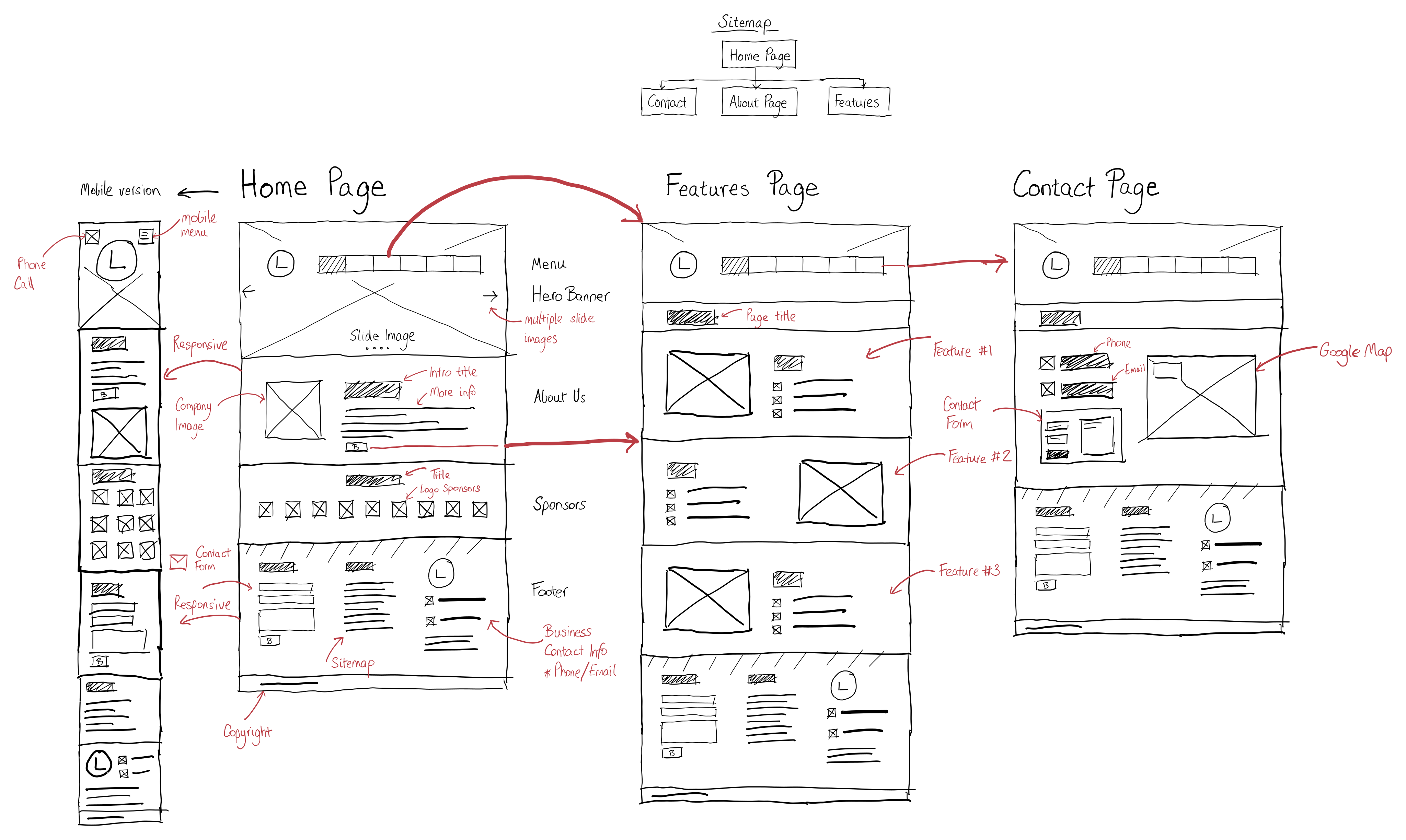
Flows and wireframes
Structure first, decoration later.
-
High-fidelity prototype
Clickable screens that can be tested with real users.
-
Handoff
Tokens and components for the team that will build.
Related work and next steps
Contextual links only — the same products, industries, and representative work already on the site.
Related products
Questions
What types of applications can you prototype?
Interactive screen-based software: mobile apps, web platforms, SaaS dashboards, e-commerce, and custom enterprise systems.
How does prototyping save development cost?
Changing a flow in a prototype takes hours. Changing it after the data model and screens are coded takes much longer. The aim is to find friction before engineering commits to it.
Can a development team build from your prototype?
Yes. We deliver structured Figma workspaces with auto-layout, style tokens, and components so frontend engineers can inspect spacing and states instead of guessing.
Want to click the product before you fund the build?
Share the user and the first journey. We will review whether a prototype, a full UI engagement, or a build is the right next step.