
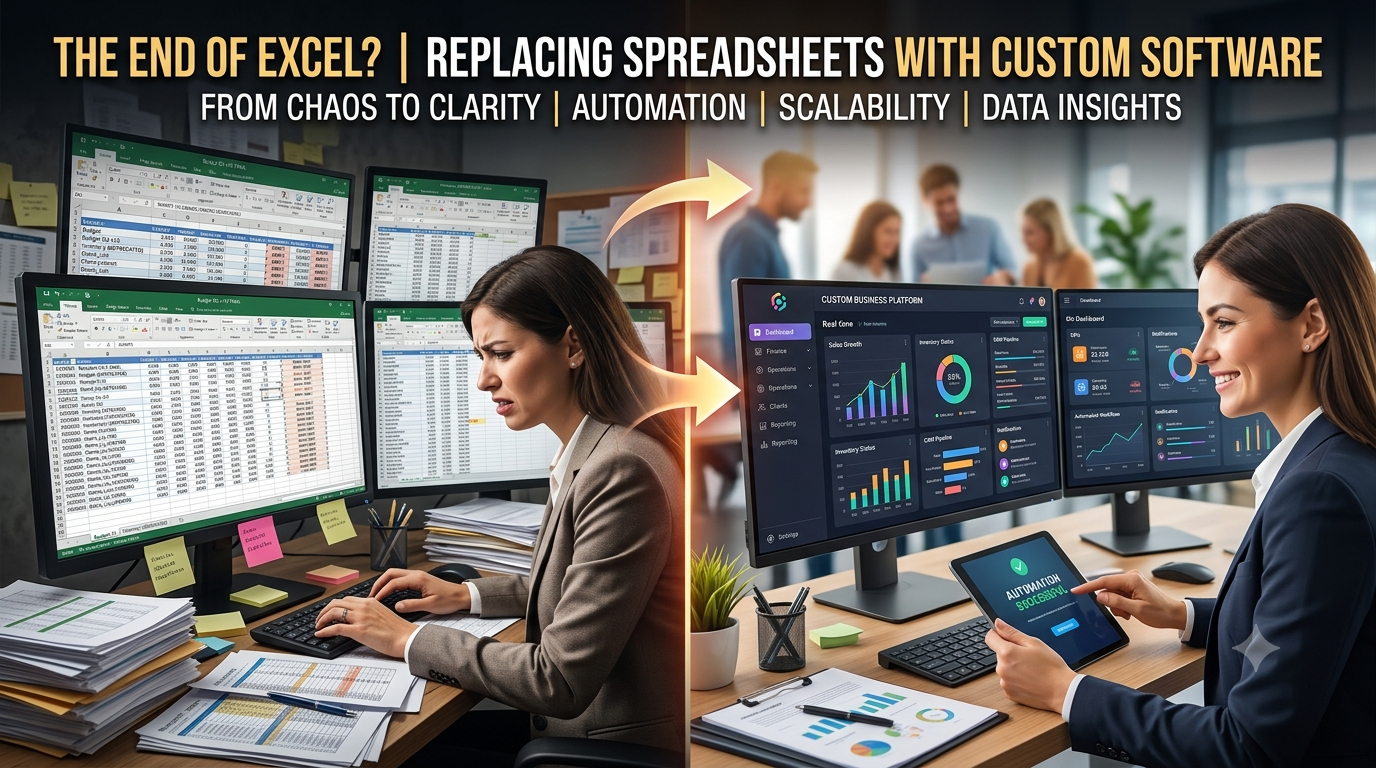
The End of Spreadsheet Chaos: Why Growing Businesses Are Replacing Excel with Custom Software
For decades, Microsoft Excel has been the undisputed backbone of business operations. From tracking early-stage startup expenses to managing inventory, payroll, and customer lists, the trusty green grid was often the first tool founders reached for. Its accessibility, flexibility, and zero barrier to entry made it an easy choice.
However, as a company expands, Excel frequently transforms from a productivity engine into a operational bottleneck. Managing thousands of rows across disconnected files, dealing with mysterious #REF! errors, and chasing down the "latest" file version drains valuable team hours and introduces serious risk.
Today, forward-thinking organizations are stepping away from static spreadsheets and investing in custom business software designed to automate operations, secure sensitive data, and support long-term growth.
.png)
Why Excel Works (Until It Doesn't)
There is a reason Excel became the world's most ubiquitous business tool. It is affordable, highly customizable, and requires virtually no formal training to start entering data.
In the early days, companies rely on spreadsheets for:
-
Expense and cash flow tracking
-
Simple sales pipelines and contact records
-
Basic inventory monitoring
-
Employee directory management
-
Financial forecasting
For small teams and early-stage startups, Excel is more than enough. But as team headcount grows and customer transactions compound, operational complexity increases exponentially—and spreadsheets quickly start breaking under the pressure.
5 Signs Excel Is Holding Your Business Back
When operations depend on manual spreadsheets, growth brings friction. Here are the most common scaling pain points companies encounter:
1. The Trap of Manual Data Entry
Employees spend countless hours copying and pasting information between disconnected workbooks. This repetitive task wastes billable hours and dramatically increases the likelihood of costly human errors.
2. The Version Control Nightmare
We have all seen files named Q4_Sales_Report_v2_FINAL_updated.xlsx. When multiple employees update local copies of the same file, departments end up working off conflicting data, leading to misaligned decisions.
3. Lack of Native Workflow Automation
Excel cannot automatically route approvals to department heads, trigger customer onboarding emails, or send low-stock alerts without complex, fragile VBA macros that break whenever the file structure changes.
4. Security & Compliance Risks
Spreadsheets offer weak access governance. Highly sensitive payroll, financial, or customer data stored in a spreadsheet can easily be copied, forwarded, or deleted—either accidentally or intentionally—without an audit trail.
5. Data Siloes and Limited Scalability
Large datasets cause workbooks to lag or crash altogether. More critically, spreadsheets keep data isolated in silos, making it nearly impossible to gain a unified, cross-departmental view of business performance.
Why Growing Companies Are Investing in Custom Business Software
Unlike generic off-the-shelf templates, custom business software is built around your exact operational workflows. Instead of forcing your team to adapt to rigid software constraints, the system is designed to mirror how your business actually operates.
Key Operational Advantages:
-
Automated Business Processes: Invoices generate on schedule, inventory levels sync live, and approval workflows route automatically-saving hundreds of manual hours every year.
-
A Single Source of Truth: Centralized database architectures ensure every department works from real-time, identical metrics.
-
Role-Based Security: Granular access permissions ensure team members only see and edit the specific information relevant to their role.
-
Live Executive Dashboards: Business leaders can monitor sales performance, resource allocation, and operational KPIs instantly without waiting days for manual end-of-month reports.
Excel vs. Custom Business Software: Feature Comparison
| Operational Feature | Microsoft Excel | Custom Business Software |
| Data Updates | Manual entry & file syncing | Fully automated real-time workflows |
| Data Storage | Disconnected local/cloud files | Centralized, scalable database |
| Access Control | Basic password protection | Granular, role-based permissions |
| Collaboration | Siloed, prone to overwrite conflicts | Multi-user real-time synchronization |
| Accuracy | High risk of manual human error | Systemic validation & automated logic |
| Scalability | Struggles with high data volumes | Built to scale seamlessly with company growth |
| Integrations | Limited external connectivity | API connections with CRM, ERP, & Payment Gateways |
How Key Industries Are Moving Beyond Spreadsheets
Modern companies are replacing spreadsheets with tailored digital platforms to stay competitive:
-
Healthcare: Replacing manual tracking with secure, HIPAA-compliant patient management portals, automated scheduling, and integrated billing.
-
Logistics & Warehousing: Upgrading from manual inventory sheets to real-time warehouse management software (WMS) with barcode scanning and automated shipment tracking.
-
Real Estate: Moving client follow-ups out of spreadsheets and into custom CRM platforms with automated contract generation and pipeline tracking.
-
Manufacturing: Replacing static production schedules with dynamic ERP platforms that auto-calculate raw material requirements and track equipment maintenance.
-
Retail & E-commerce: Unifying multi-channel inventory, customer loyalty programs, and order fulfillment into one real-time dashboard.
Is Your Business Ready for a Spreadsheets Alternative?
If you are unsure whether it is time to transition, ask yourself the following questions:
-
Are your employees spending more time updating spreadsheets than doing actual revenue-generating work?
-
Does it take days of manual data aggregation to prepare monthly executive reports?
-
Have calculation errors or missing spreadsheet rows ever cost your company money or client trust?
-
Do different departments maintain their own separate, conflicting versions of core data?
If you answered yes to two or more of these questions, your organization has likely outgrown spreadsheets.
The Strategic Path Forward
Replacing Excel is not about discarding spreadsheets entirely—they will always have a place for quick scratchpad calculations and ad-hoc analysis. It is about removing critical core operations from fragile files and placing them into a scalable, secure architecture.
When choosing a custom software development partner, look for a team that takes the time to map your current business processes, identify automation opportunities, and design a solution tailored to your long-term roadmap.
Viewing custom software as a strategic asset rather than an overhead expense allows growing businesses to eliminate operational friction, empower their teams, and build a sustainable foundation for future scale.
Ready to Eliminate Spreadsheet Chaos? Partner with InnoFeature Labs
Transitioning away from manual spreadsheets doesn't have to disrupt your daily operations. At InnoFeature Labs, we specialize in designing and engineering enterprise-grade custom business software, CRM ecosystems, ERP platforms, and automated workflow solutions tailored to your exact business logic.
Our engineering team works directly with your operations lead to identify automation opportunities, eliminate manual bottlenecks, and build secure, scalable systems that grow with your company.
Stop wasting hours managing spreadsheets-start scaling your business.
👉 Get in Touch with InnoFeature Labs Today to schedule a strategy consultation with our technical team.
About the Author
Syed Fahad Ali is the Founder & CEO of InnoFeature Labs, which helps companies bring manual processes to scale using digital solution. Having prior experience in Custom ERP Development, CRM, Inventory Management, AI Automation, and Business Process Automation, he has collaborated and assisted startups and growing businesses in creating software solutions that enhance efficiency, streamline processes, and facilitate long-term development and growth.


