
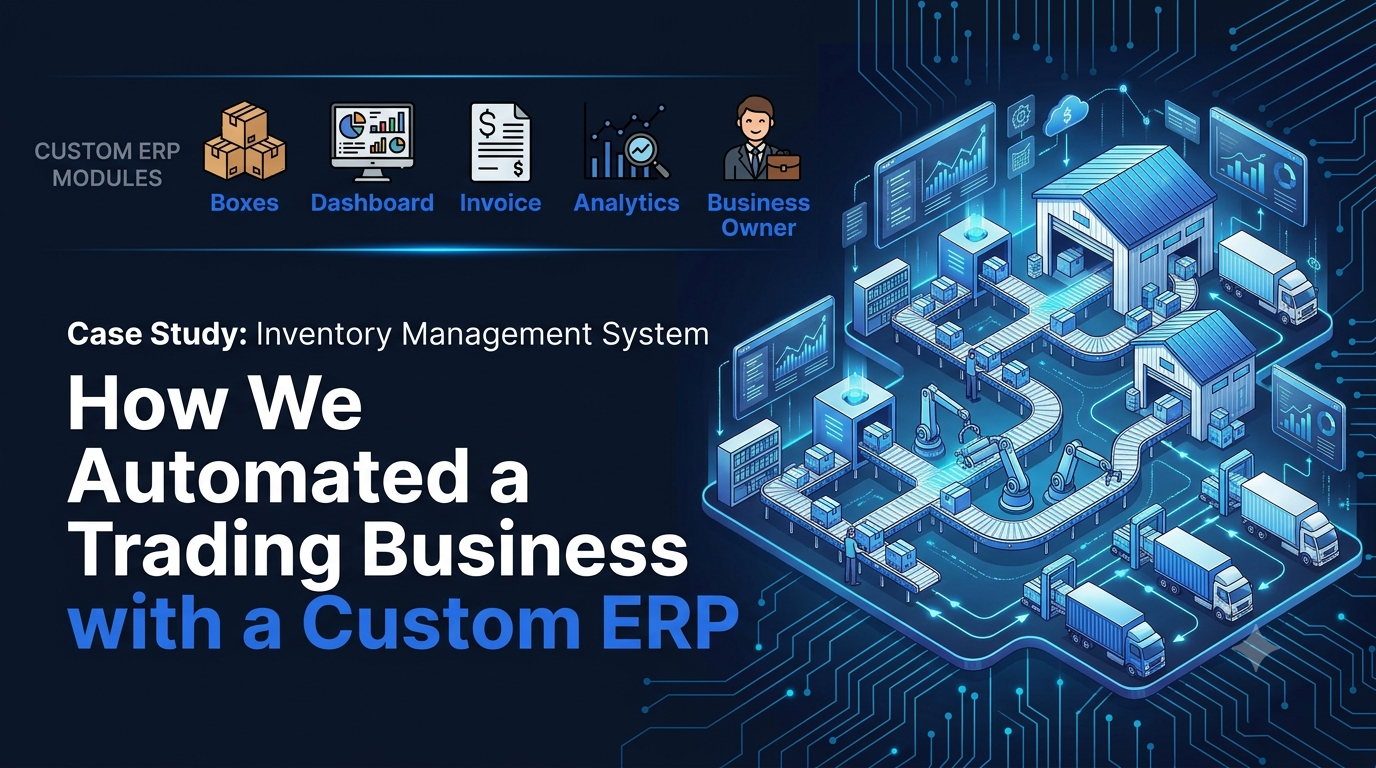
Inventory Management System Case Study: How We Automated a Trading Business with a Custom ERP
Executive Summary
As trading ventures grow, it gets harder and harder to manage the business using spreadsheets, handwritten notes, and various format of invoices. In such a decentralized structure, companies may find it challenging to manage their stock, record purchases and sales, calculate profits and maintain customer records.
In this case study, we discuss how we assisted a trading business to get rid of the manual processes by developing a Custom Inventory Management System and ERP. This new platform enabled the creation of an automated inventory management, purchase and sales management, invoice generation, supplier management, customer records and profit description to help the business get a complete detailed view of what is happening on a day to day basis.
Client Overview
- Industry: Trading & Distribution
- Location: United Kingdom
- Business Type: Wholesale & Supply Business
- Client: Company manufacturing and delivering durable goods to customers across Manitoba.Application: Custom ERP & Inventory Management System.
Client is a trading company that buys from plurality of suppliers and sells to clients. Manual inventory management was becoming extremely difficult as orders are moving to increase. Data was duplicated on spreadsheets, notebooks and various invoicing systems - resulting in inconsistent data and poor business decisions.
Challenge
The initial referral was not only just about Inventory Management. What was actually the problem was that there was no one source of truth for the enterprise.
Key challenges faced were:
- Manual record keeping of inventory.
- Determination of stock levels was challenging.
- No centralization of purchase history.
- Record of sales was maintained on various files.
- The Information for customers/supplier was not organized.
- Several different templates and tools were used to create invoices.
- The accounting of the profit and loss was done by hand.
- Overall business performance was not supported with a dashboard.
These manual efforts were time-consuming and prone to inaccuracies, duplications, and variations in reporting accuracy with growing daily transactions.
Similarly, if this is a problem in your business, you can check our Business Automation Solutions guide to see how automation cuts down on manual work and caters for a more efficient operation.
Why Ready-Made Software Wasn't the Right Fit
Even after the client had different types of ready-made software for inventory after every other software the business process was not fit completely.
Some were missing in providing dynamic invoice creation.
Others didn't manage the needed reporting.
- Some of them were bloated with some extra unnecessary monthly fees and lacked the things needed for businesses.
- To avoid having to modify the business process based on off-the-shelf software, we suggested creating a bespoke ERP and Inventory Management System built around the client's flow.
- This ensured that all modules, reports and processes aligned to the way the business worked and didn't force the team to break existing processes.
 Custom inventory management system dashboard developed for a trading business
Our Solution
Learning about the way the business was operating and the challenges it faced, our team has suggested a custom ERP & Inventory Management System, that would adapt to the existing business’s working style. If the off-the-shelf software would require the client to change, we would need to design around their purchasing, sales, inventory and invoicing processes instead of them having to fit in with our software.
The main objective was to provide a single hub for all departments to use and have access to accurate data in real-time. All the stock purchases and the movement of stock from the supplier would be automatically recorded till it is finally sold to a customer without going for duplicate entries and manual labour.
What We Built
In order to handle with the client's difficulties, we have provided a full ERP solution having the following modules:
Inventory Management
- Real-time stock tracking
- Product quantity monitoring
- Low stock alerts
- Inventory history
- Stock valuation
Purchase Management
With the purchase module, the client can capture all the products purchased from suppliers such as:
- Supplier details
- Purchase price
- Purchase quantity
- Purchase history
- Outstanding purchase records
This eliminated the use of several spreadsheets and the supplier management was massively more organized.
Sales Management
All sales are now treated as sales within the system with:
- Customer information
- Products sold
- Selling price
- Invoice reference
- Payment status
This means that the client may easily go through previous transactions without having to look via numerous documents or files.
Professional Invoice Generation
An inconsistent formatting of the invoices was one of the client's greatest concerns.
A consistent system to generate invoices, automatically producing professional invoices of the same format to all customers.
- The system automatically calculates:
- Product totals
- Taxes (where applicable)
- Discounts
- Grand total
This not only boosted performance, but also made the experience more professional for the customers.
Profit & Loss Dashboard
It could be said that instead of manually calculating profits, the ERP will now supply you real time business insights.
The dashboard displays:
- Daily profit
- Monthly profit
- Annual profit
- Sales performance
- Purchase expenses
- Business trends
The client can use this information immediately in order to make quicker and better-informed business decisions
Customer & Supplier Management
In a single location, all customer and supplier records are kept.
- Client can easily get hold on:
- Contact information
- Transaction history
- Outstanding balances
- Purchase records
- Sales records
This has cut down the time required to look up historical data by a lot.
Employee Management
We have also included an employee module for managing the internal operations.
By implementing access controls and authentication systems, role-based access allows you to safeguard sensitive data and enhance operational efficiency, ensuring that employees can only view information that is pertinent to their roles.
A Single Source of Truth
Prior to the project, the business information was spread across spreadsheets, invoices and various software applications.
All of the above are used each day - in fact, each time a customer order is placed, an order is shipped, an order is processed and a report is generated, it's all connected to a single ERP platform.
This means the client is able to see how the business is doing without having to manually calculate or having to switch between systems. Modern ERP applications typically look to establish this type of “single source of truth” for operation information.
A structured ERP development process is the starting point for building a successful ERP. Learn how we plan, design, build, test, and deploy custom business software for growing businesses in our Complete Software Development Guide.
Custom ERP dashboard with inventory, sales and profit reporting
Business Impact & Results
By implementing a new Inventory Management System and a Custom ERP, the client's daily operations were transformed and are much more easily managed. The whole process was done on one platform without the need to switch between spreadsheets, notebooks and various invoicing options.
Switching from manual to digital software wasn't the greatest advancement. This was end-to-end visibility of all aspects of the business, from procurement of product to creation of invoices and tracking profitability.
Key Improvements
Following implementation the client could:
- Manage inventories from a single place.
- Monitor each and every buy and sell in real time.
- Create functional, uniform professional-looking invoices.
- Ensure full supplier and over- or no- data of customers.
- Access daily, monthly and annual profit report at a click of a button.
- Minimise manual calculations and repetition of data.
- More quickly access business information as they make decisions.
The improvements provided the business with more confidence with its records, and decreased time spent on routine administration.
Better Business Visibility
Prior to ERP, business questions may need to be answered by referencing multiple spreadsheets or many old invoices.
The client can now easily search for:
- Current stock availability
- Product purchase history
- Supplier information
- Customer sales history
- Invoice records
- Projections of profit and loss.
This information is now one-stop and day-to-day operations are more efficient and easier to monitor.
Improved Professionalism
A key enhancement was for the invoicing system!
Customers were previously completing their purchase from different tools and invoices were done in various forms, which created an inconsistent experience for the customer.
The new ERP automatically generates professional invoices, using a standard format, to help the business project a more consistent and professional image and to minimize the risk of manual mistakes.
Designed For Future Growth!
Scalability has been taken into consideration for the system.
With the expansion in business, new products, new suppliers, new customers and employees can be added without altering the base platform together with new features.
This provides the client with a long-term solution rather than having a number of different applications.
Client Outcome Summary
|
Before |
After |
|
Manual inventory tracking |
Centralized inventory management |
|
Multiple invoice formats |
Professional automated invoices |
|
Separate spreadsheets |
Single ERP dashboard |
|
Manual profit calculations |
Automated profit & loss reporting |
|
Scattered customer records |
Centralized customer management |
|
Difficult stock tracking |
Real-time inventory visibility |
Our Approach
We didn't replace the way the business worked, but we made software to fit the way the business worked. This minimized the learning curve for employees, and created smoother transition from the manual processes to a digital ERP system.
If you're evaluating different business management solutions, our ERP vs CRM guide explains which system is best suited for different business requirements and when a custom ERP is the right choice.
Custom ERP dashboard showing inventory, sales and profit reporting
Key Features of the Custom ERP System
We didn't simply aim to digitize the client's workflow. What we are looking to build is a scalable custom-made ERP and inventory solution to not only accommodate the day to day operations of the business but also help in future growth and changes with the business without needing to alter the software.
The main modules of the final version were (these are not comprehensive but only the main ones):
Inventory Management
- Real-time stock tracking
- Product availability monitoring
- Inventory movement history
- Low stock alerts
Purchase Management
- Supplier management
- Purchase order records
- Purchase history
- Product cost tracking
Sales Management
- Customer sales records
- Sales history
- Order management
- Payment tracking
Automated Invoice Generation
- Professional invoice templates
- Automatic calculations
- Consistent invoice format
- Printable PDF invoices
Business Reports
- Daily sales reports
- Monthly sales reports
- Annual performance reports
- Reporting of Profit & loss
Customer & Supplier Management
- Customer database
- Supplier records
- Transaction history
- Contact management
Employee Access Control
- Secure login
- Role-based permissions
- Employee management
- Access control of business information
Technology Stack
We wanted it to be fast, secure and scalable in order to meet our future business needs, so we developed it using one of the most modern approaches-modern development which includes a responsive interface, secure authentication and a database designed to offer flexibility and accommodate future growth.
The client no longer has to use several different tools to manage their inventory, purchasing, sales, customers, suppliers, invoices and reports; now they can do it all from the same place.
Why a Custom ERP Was the Right Choice
Each trading business is unique. Hence the ready-made solution was not the best fit for this project.
- By using a custom ERP we were able to:
- Develop processes based on clientele business.
- Elimination of repetitive manual work
- Standardize invoicing
- Improve reporting accuracy
- Facilitate continued growth of businesses.
This process provides the client with a system that can evolve with new business needs-not with generic software or by paying for unneeded software functions through subscriptions.
If you are looking into developing an application that will fit your business needs, our Complete Software Development Guide outlines the entire process starting from design to deployment and the maintenance of software.
Final Thoughts
As any growing business, a time comes when they become overwhelmed by spreadsheets, siloed tools and manual effort. That's what it was at this particular trading business.
The client decided to upgrade to a software system tailored to their workflows instead of another software subscription status quo – the Inventory Management System (IMS) and ERP (Enterprise Resource Planning) system. Today, purchases, inventory, sales, invoices, customer, supplier, employee and business report management are all under one roof and it gives the business a greater level of visibility, efficiency and control of their business, day-to-day operations.
This project proves that technology does not have to only be a tool for "paperless" documents. It's about building a system that enables you to make smarter decisions and cut down on manual work and set a business for growth.
When you're learning about custom business software for your organisation, our Complete Software Development Guide shows you how scalability software solutions for growing businesses, are planned, designed, developed, tested, and deployed.
Ready to Modernise Your Business Operations?
When your business is still using spreadsheets or manual inventory methods, or clunky software that won't communicate with your other programs, it's time to invest in a solution that works with your business.
InnoFeature Labs is a business that creates custom ERP, Inventories Management Systems, CRM and Business Automation Systems to help organizations become more efficient, centralize data, and make accurate business decisions with real-time reporting.
From stock control to sales, product marketing, buying from suppliers to maintaining customer data, we will create a solution that can evolve with your business.
Schedule a free consultation today and let's discuss your project.
About the Author
Syed Fahad Ali is the Founder & CEO of InnoFeature Labs, which helps companies bring manual processes to scale using digital solution. Having prior experience in Custom ERP Development, CRM, Inventory Management, AI Automation, and Business Process Automation, he has collaborated and assisted startups and growing businesses in creating software solutions that enhance efficiency, streamline processes, and facilitate long-term development and growth.


